
Why a Pre-Purchase Checklist Pays Off
Most shoppers do their homework on the product itself - specs, reviews, features - but skip the savings steps that happen right before payment. That gap is where money gets left on the table. A quick, systematic check before you finalize any purchase costs a few minutes and can recover discounts you didn't know were available.
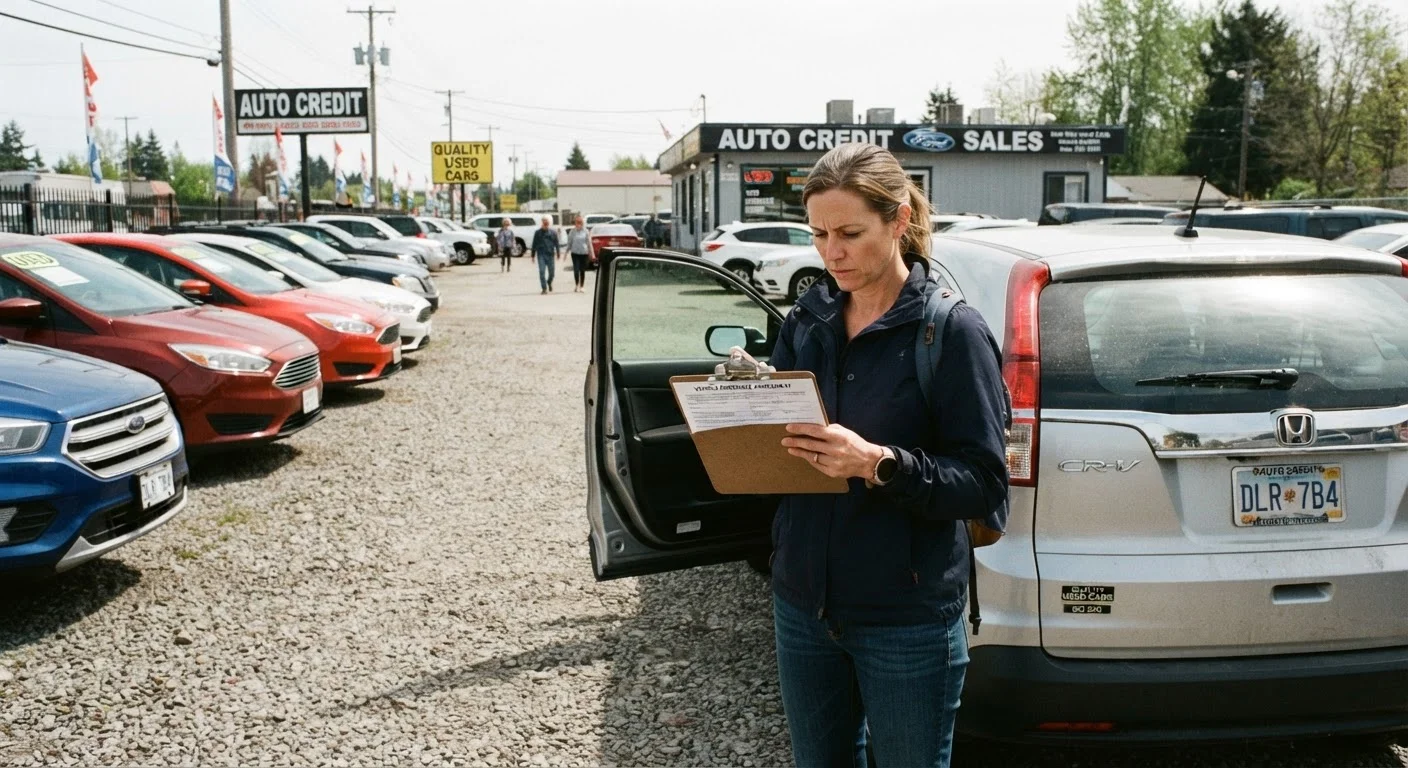
This checklist is designed for everyday purchases: electronics, apparel, home goods, subscriptions, and similar consumer items. For higher-stakes decisions, the same discipline applies - see our pre-purchase checklist for everyday shoppers or, if you're buying a vehicle, what to check before signing a used car deal.
Work through the groups below before you click that final button. You don't have to complete every item on every purchase - use judgment about what's proportional to the dollar amount involved.
Price Verification
Discount & Coupon Search
Loyalty, Cashback & Card Benefits
Return Policy & Total Cost Check
Tools That Make This Checklist Faster
You don't need special software to run through this checklist, but a few free tools can cut the time significantly. Having them set up in advance means the check becomes a quick habit rather than a research project.
Browser-based price history tracker
Shows the historical price of a product on major retail sites so you can tell whether a listed sale price is genuinely lower than usual.
Automatic coupon-finder browser extension
Scans and tests available promo codes at checkout automatically, saving you the manual search step.
Cashback shopping portal
Routes your purchase through a tracked link that earns a percentage of the sale back as cash or gift cards.
Credit card benefits portal
Lets you review the purchase protections, extended warranties, and bonus categories active on your payment cards.
For a deeper look at what to verify beyond price - including product specs, certifications, and seller credibility - see our product research checklist before you commit.
Common Pitfalls to Avoid at Checkout
Even methodical shoppers get tripped up by predictable checkout-page patterns. Knowing what to watch for helps you stay objective.
Urgency Cues Are Often Engineered
Phrases like "Only 2 left!" or a ticking countdown clock are deliberate design choices meant to shorten your decision window. They don't always reflect genuine scarcity or a deadline that actually expires. Pause and run through the checklist regardless - a real deal will still be a real deal after five minutes of due diligence.
"Free" Add-Ons Can Add Up Fast
Pre-checked boxes for warranties, subscription trials, or accessory bundles are common at checkout. Review every line item before finalizing your order. Uncheck anything you didn't actively choose, and verify that a free trial doesn't auto-renew at a rate you haven't agreed to.
Countdown timers and "only X left" notices are standard e-commerce features - they may reflect real inventory, or they may reset automatically. Neither confirms that waiting would cost you the deal. Our article on timing a purchase vs. buying when you need it walks through how to think about urgency more clearly.
For a broader framework on navigating sales and promotions without overspending, a first-timer's roadmap to shopping sales covers the fundamentals in plain terms. And if you want to understand exactly what happens - and what you can still recover - once you reach the payment screen, see why the checkout page is where most savings get left behind.