The Checkout Page Is a Savings Minefield
You've compared prices, added the item to your cart, and you're ready to pay. It feels like the hard work is done. But the checkout page is actually where a surprising amount of potential savings quietly disappear - not because of tricky fine print, but because most shoppers are mentally checked out before they click the final button.
Understanding the common mistakes people make at this stage can put real money back in your pocket without requiring you to hunt for deals earlier in your shopping journey. For a broader look at habits worth building before you even reach checkout, see our pre-purchase savings checklist.
Common Checkout Mistakes - and How to Avoid Them
These are the errors that show up most consistently, regardless of what someone is buying or where they're shopping.
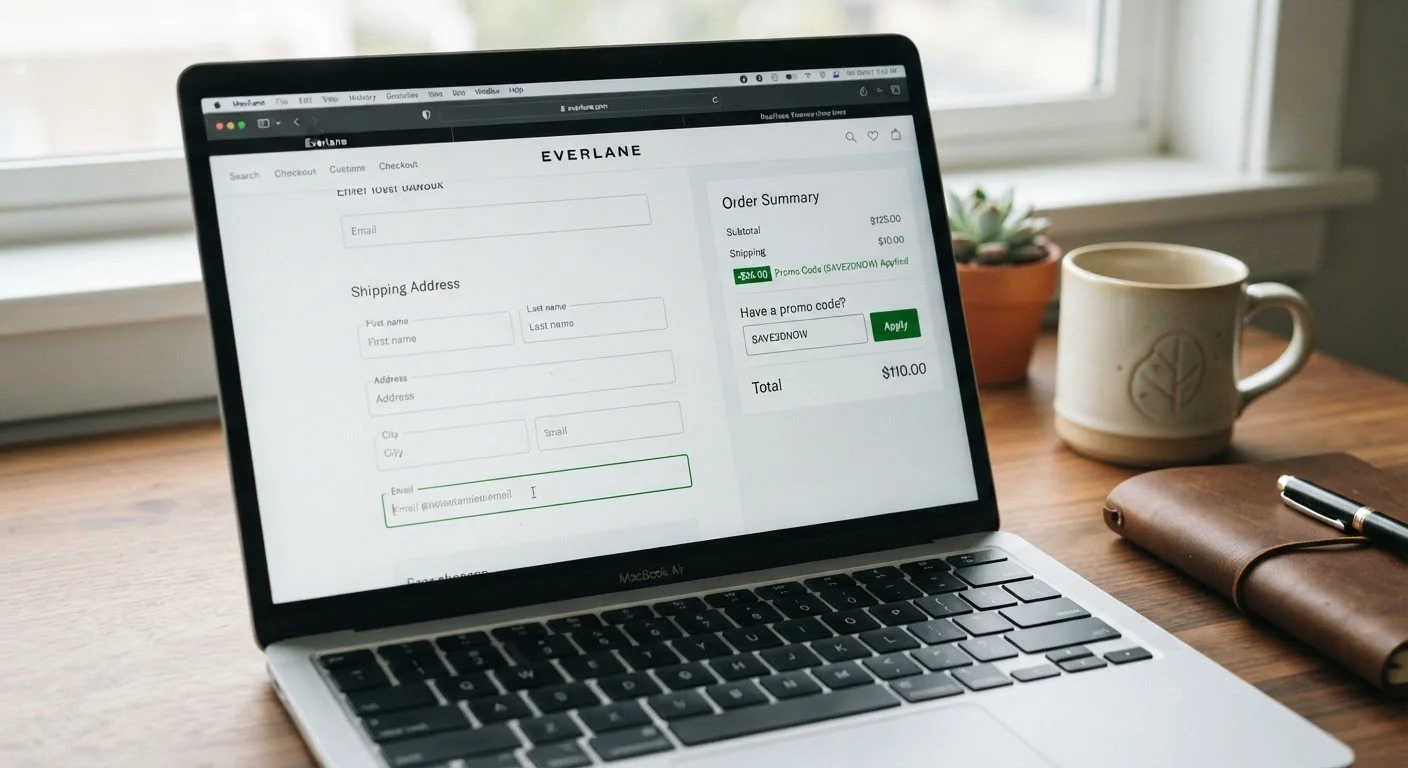
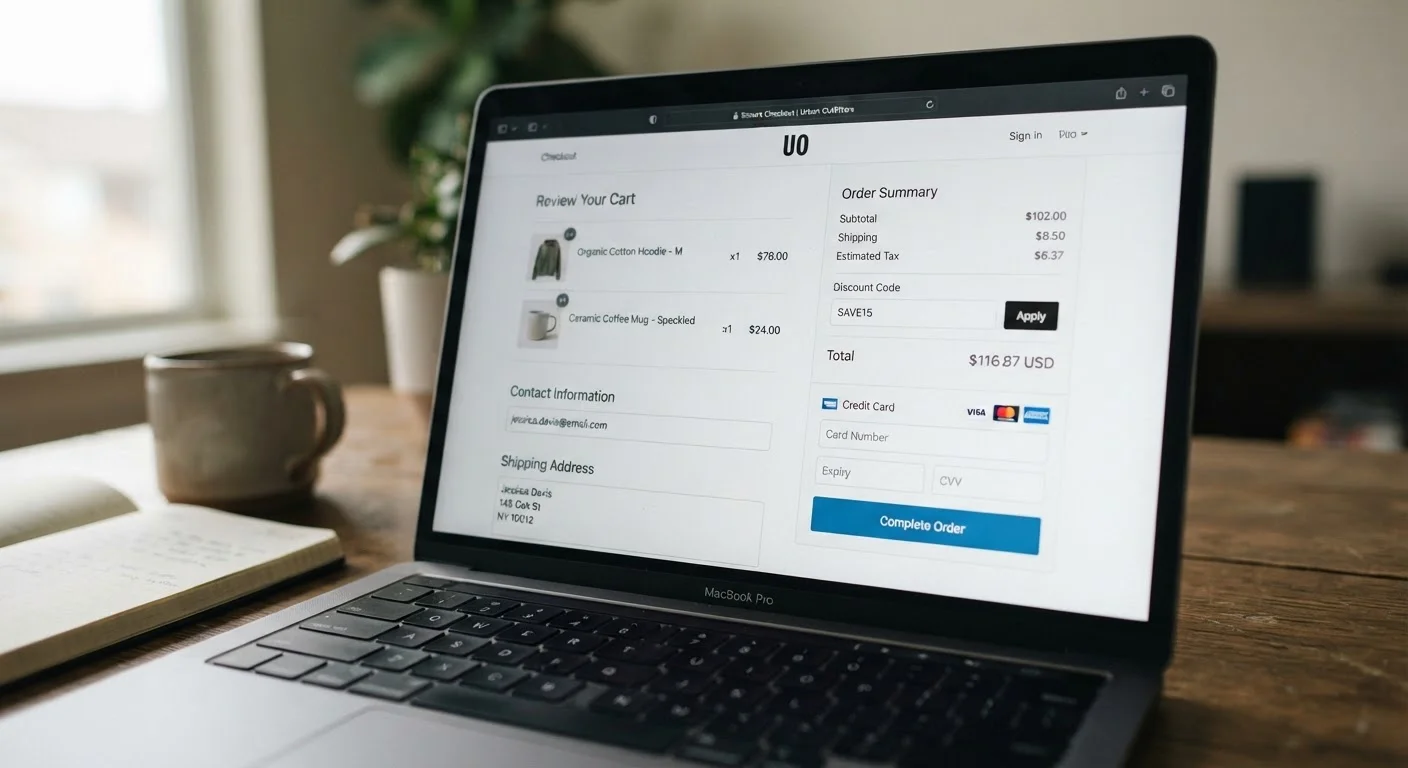
Skipping the coupon or promo code field entirely.
Why it happens: When shoppers are ready to pay, they want the process over quickly. The code field looks optional, so it gets treated as irrelevant.
Forgetting to activate a cashback portal before completing the transaction.
Why it happens: Cashback tools require the session to be initiated through their platform first. Shoppers often remember the tool exists - just not in the moment they're about to pay.
Leaving loyalty points unredeemed at checkout.
Why it happens: Points balances sit in accounts that shoppers don't think to check mid-purchase, and most retailers don't actively remind you to apply them.
Defaulting to an auto-filled payment method without considering alternatives.
Why it happens: Auto-fill is convenient, and most people set it up once and never revisit it. The default card isn't necessarily the one that offers the best rewards or protections for a given purchase.
Accepting add-ons and upsells without evaluating whether they're needed.
Why it happens: Checkout upsells are designed to feel like logical extensions of your purchase. The framing - "protect your item" or "complete the set" - makes declining feel like a missed opportunity.
Checkout is also a moment when retailers nudge shoppers toward spending more. Upsells framed as "complete your order" or "customers also bought" can feel like helpful suggestions, but they add up fast. Recognizing these prompts for what they are - revenue tools, not savings tools - is the first step to ignoring them. For a deeper look at how pricing and bundling push spending higher, our article on how shoppers consistently overpay breaks down the patterns worth watching.
What to Check Before You Click 'Place Order'
Building a quick habit around checkout can recover savings you'd otherwise leave behind. Before finalizing any purchase, run through these points:
- Coupon code field: Open a new tab and search the retailer's name plus "promo code." Takes 60 seconds and occasionally pays off significantly. Our guide on coupon codes vs. automatic discounts explains when codes beat automatic savings - and when they don't.
- Cashback portal status: If you use a cashback service, confirm your session is active before checkout. Cashback is typically tracked at the moment of purchase and cannot be applied retroactively.
- Loyalty points balance: Log into your account and check whether you have points available to apply. Many programs let you redeem at checkout but don't prompt you to do so. Loyalty programs have real benefits and real costs - using your points is one way the math actually works in your favor.
- Payment method: Does another card in your wallet offer better purchase protection, higher rewards, or an extended warranty benefit on this category? Auto-filled payment defaults often aren't the smartest choice.
- Return policy: Before paying, confirm what happens if the item doesn't work out. Return policy fine print can mean the difference between a hassle-free return and a permanent loss.
These checks don't require extra accounts or complicated strategies - they're straightforward habits that take a couple of minutes. More structured guidance on combining these tactics is available in our smart buying tips hub.
If you're trying to layer multiple discounts, understand the limits first. Stacking discounts is possible in many situations, but retailers set rules about what can be combined - and some combinations get silently rejected at checkout without explanation.